WiFiPerfTracker
A firmware regression tracking and training platform built for a WiFi engineering department — SLA-driven test matrices, an integrated bug lifecycle, client-ready reports, and a new-hire onboarding hub.
A WiFi engineering department was drowning in spreadsheets. Every firmware build for every device model needed dozens of tests tracked against performance targets, bugs were scattered across email threads, and every new hire learned the lab by shadowing someone for months. We replaced all of it with one purpose-built platform.
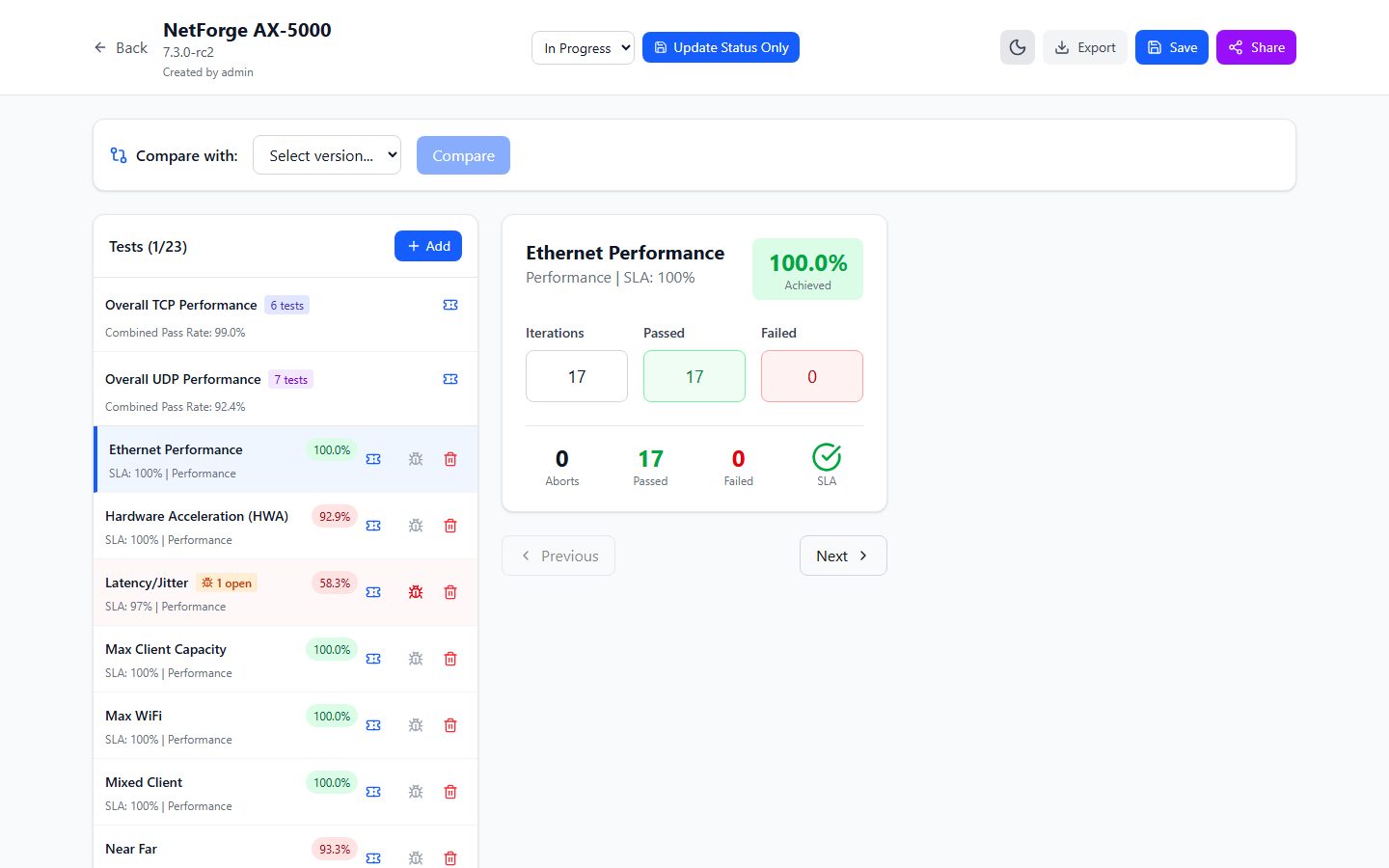
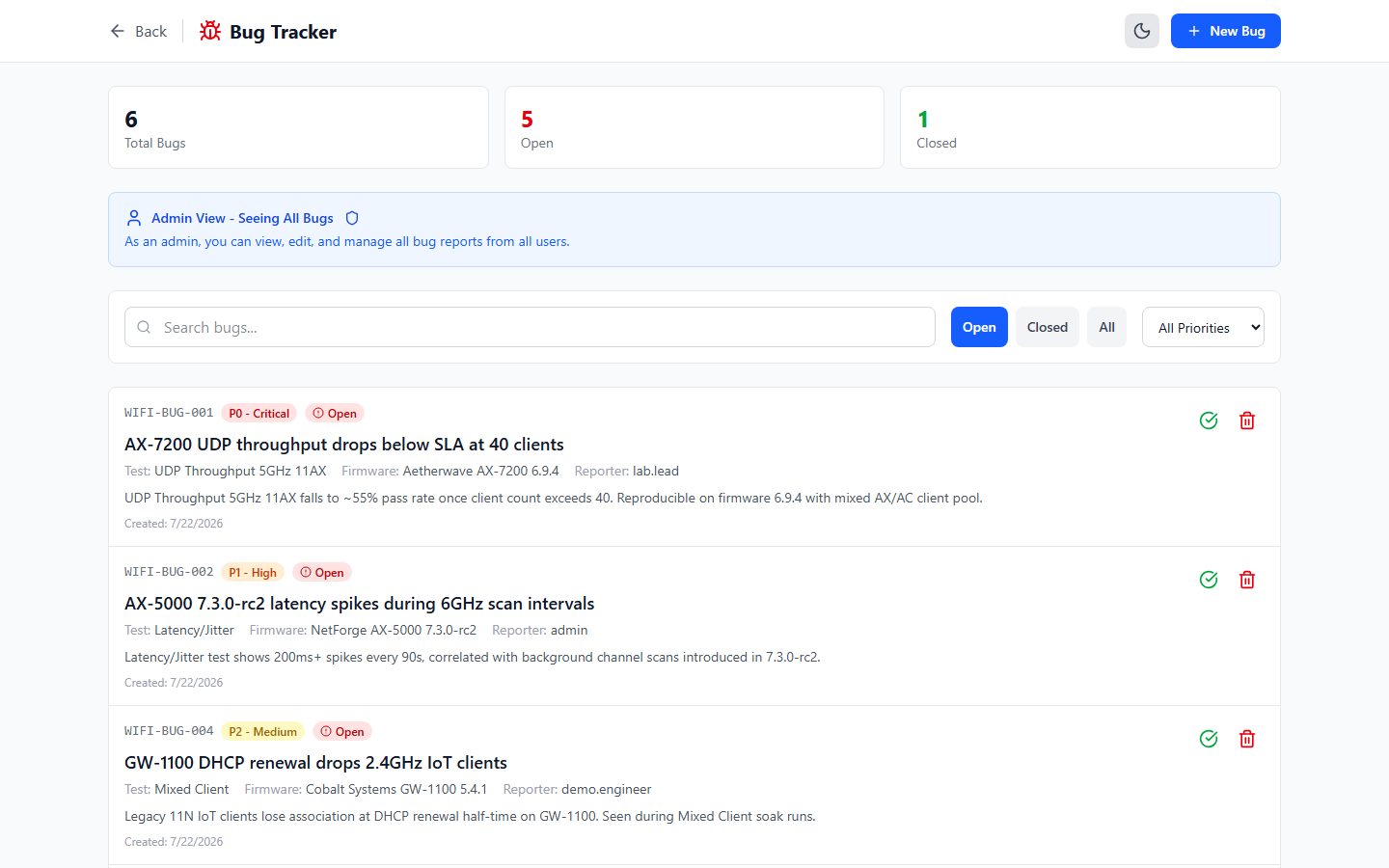
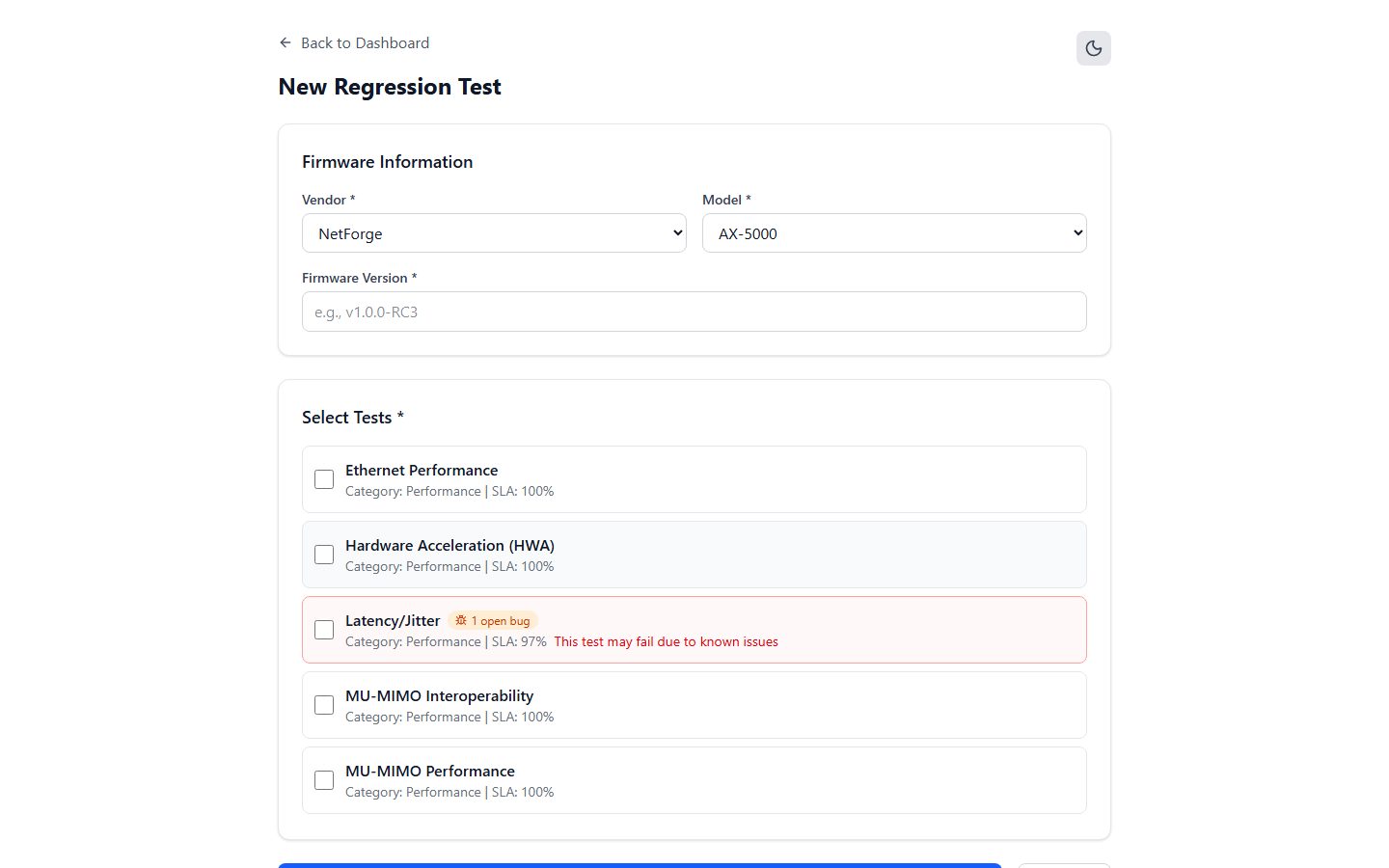
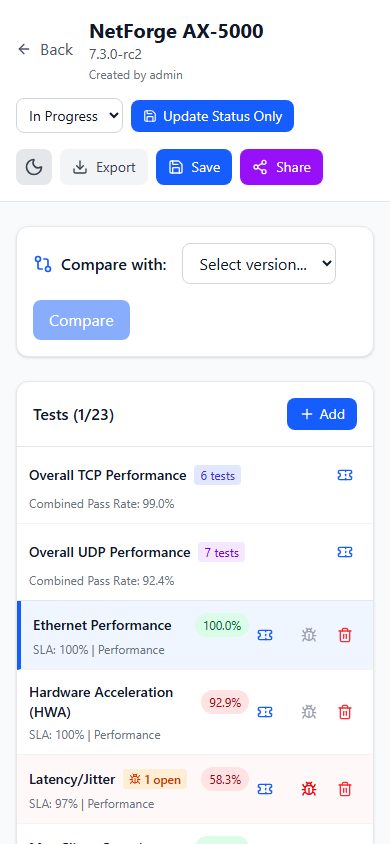
The heart of the app is the test run workspace: a structured matrix of test cases per firmware build, each measured against its SLA target with automatic PASS, FAIL, or PENDING verdicts. When a test fails, engineers file a bug right from the matrix — it arrives pre-linked to the vendor, model, firmware, and test case, then moves through a P0–P3 priority workflow with resolution notes and full attribution.
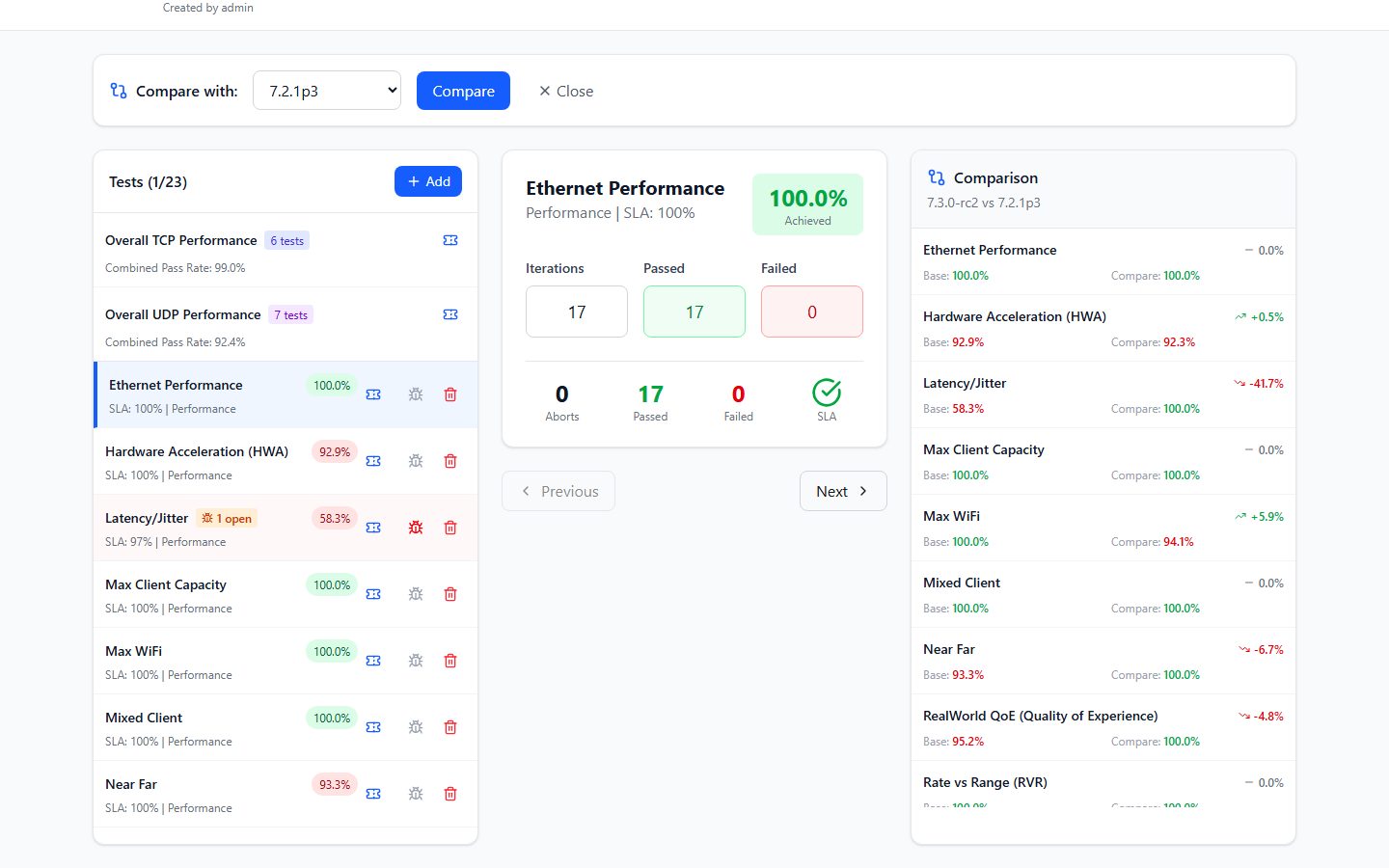
Decisions got faster too. Any two firmware builds can be compared version-over-version with per-test deltas and trend indicators, so a regression is visible in seconds instead of hours. And when it’s time to report up or push back on a vendor, one click produces a styled Excel workbook or PDF report of the results — the kind of deliverable that used to take an afternoon to assemble by hand.
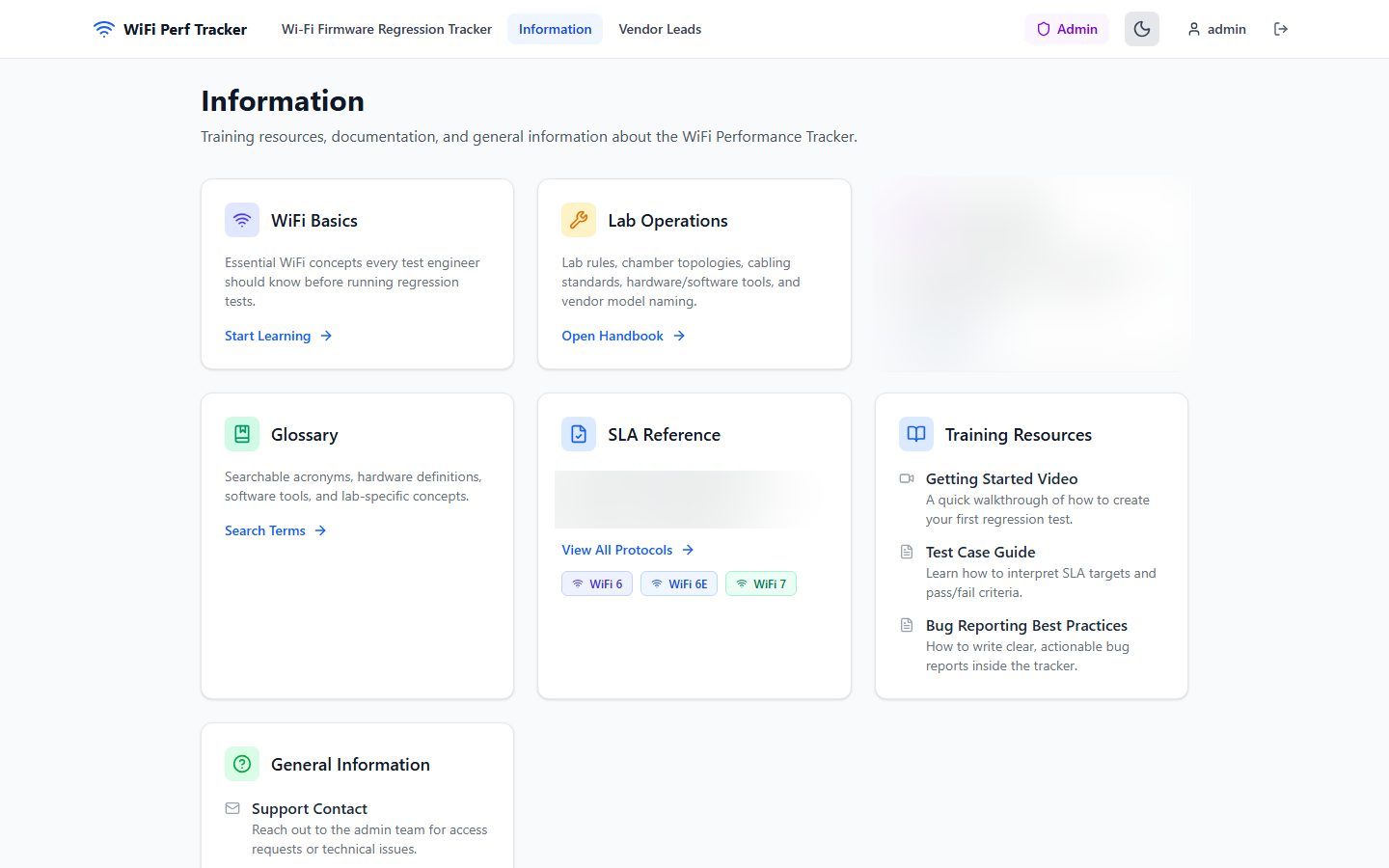
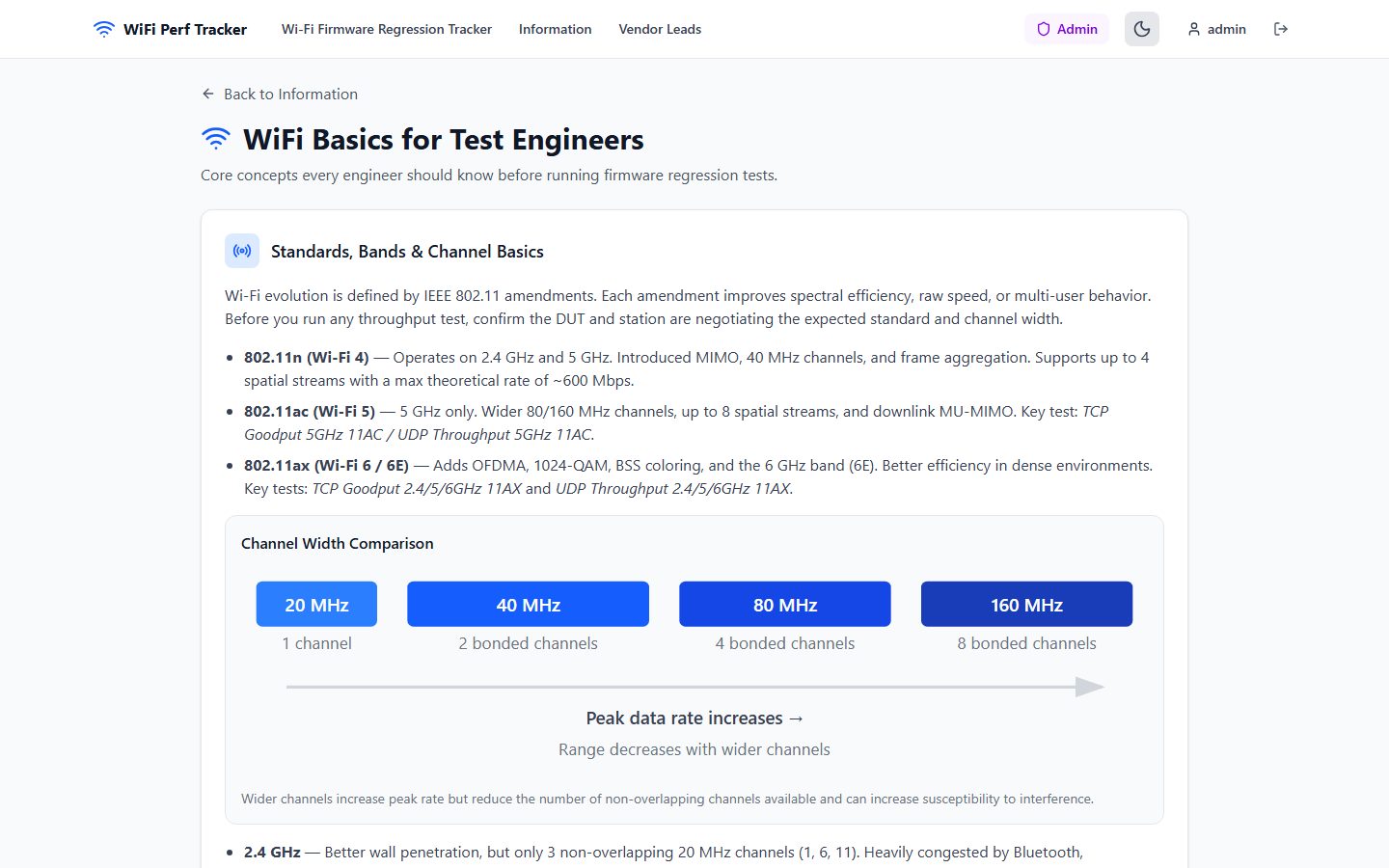
The other half of the platform is the training hub. A WiFi fundamentals course, a lab-operations handbook, a searchable glossary, and per-generation SLA references turn tribal knowledge into curriculum — new hires ramp in weeks instead of months, and the senior engineers get their time back.
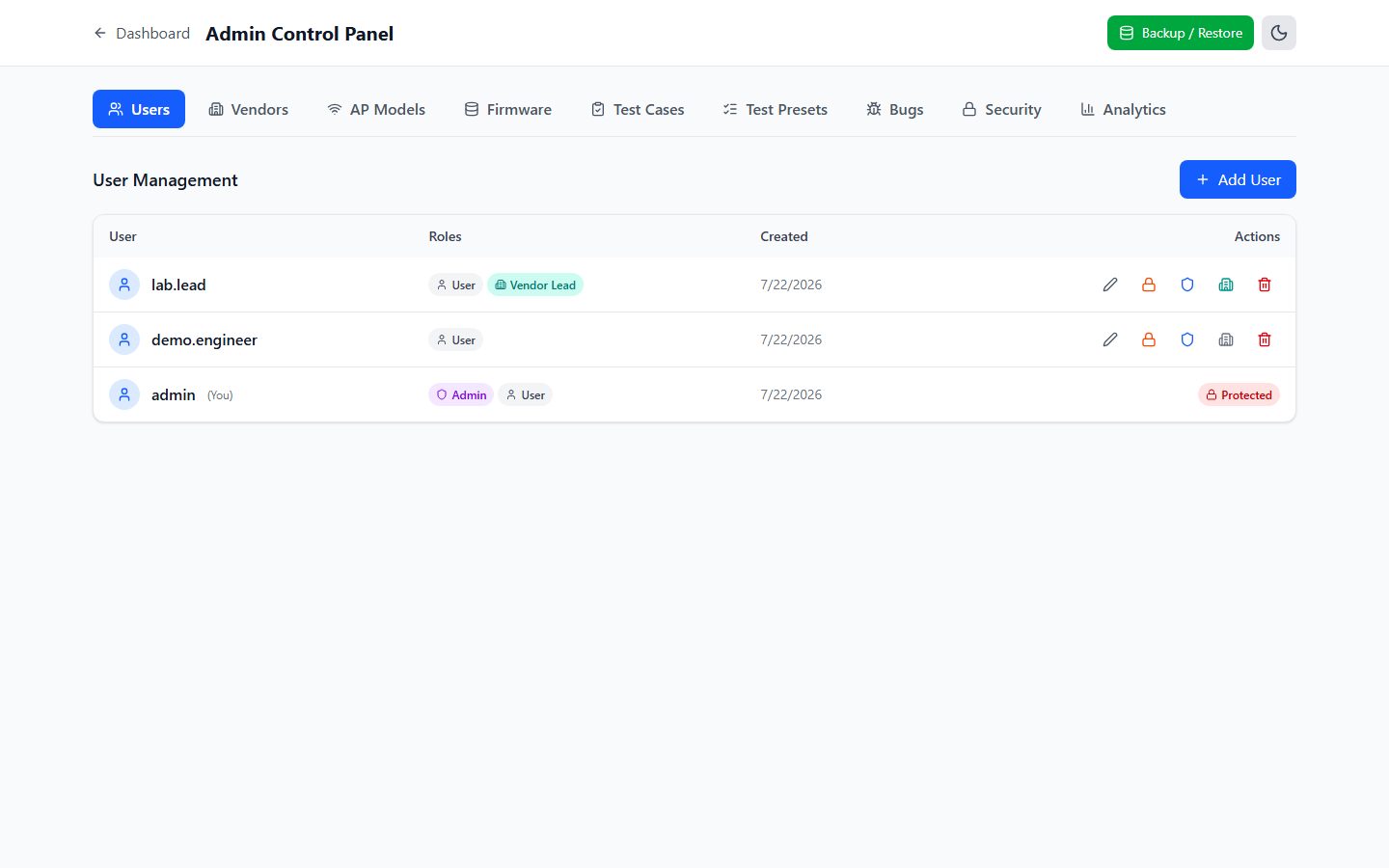
It’s run like real enterprise software: role-based access with per-vendor scoping for external leads, firmware sharing with view and edit permissions, a complete audit trail, live session management with remote termination, forced password rotation, one-click database backup and restore, and three documented deployment paths from serverless to self-hosted.
And the foundation is built to grow. Natural next steps a client could switch on: comment threads and @mentions on bugs, email or Slack notifications when an SLA fails, pass-rate trend analytics over time, attachments for test logs and packet captures, API keys so automated lab runs file results directly from CI, CSV import from existing test automation, and read-only status pages per vendor. The data model already captures everything these need.
Highlights
- SLA-driven test matrix with automatic PASS / FAIL / PENDING verdicts
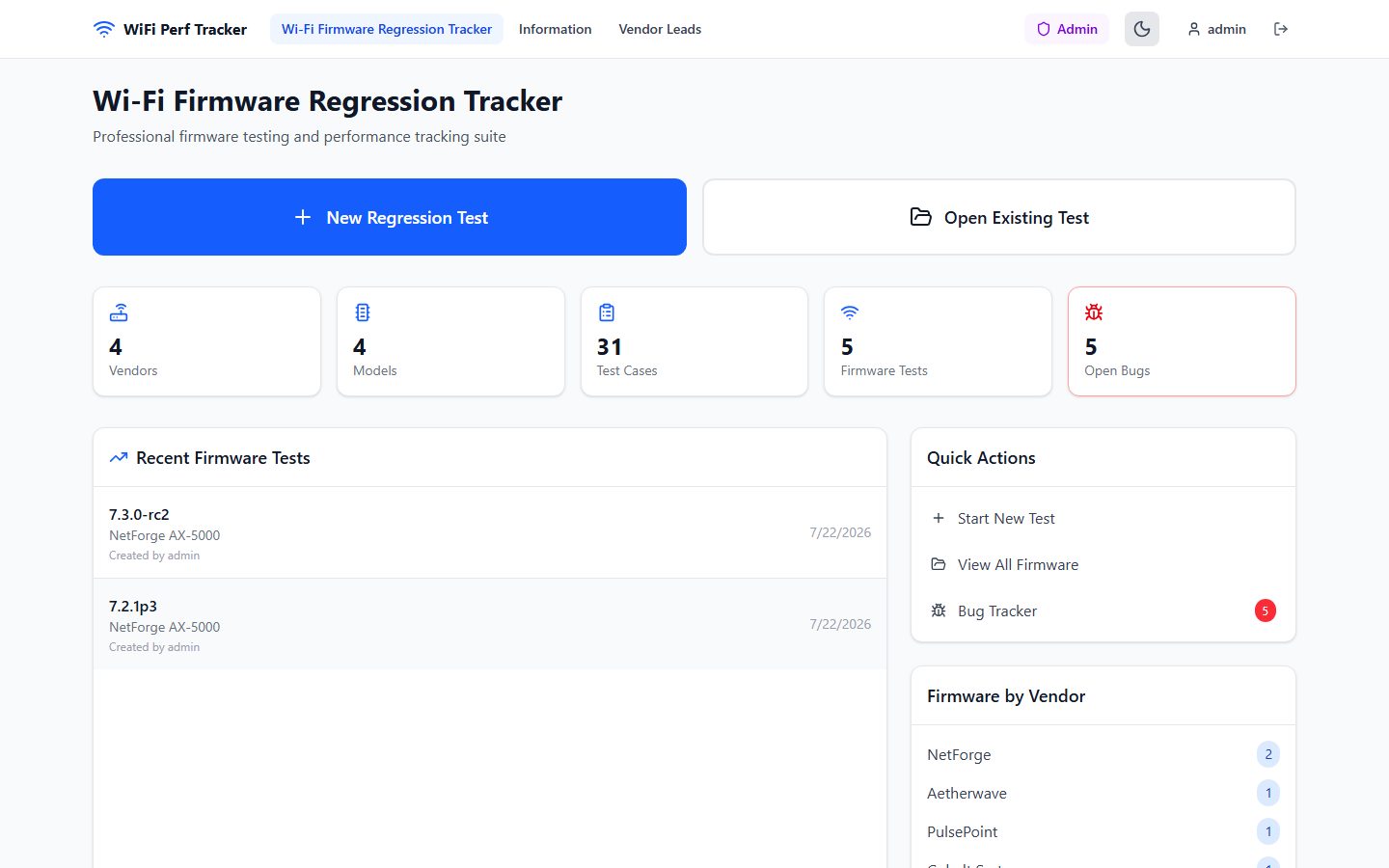
- Structured tracking: vendors → device models → firmware → per-test results
- Bugs filed in context, auto-linked to vendor, model, firmware, and test case
- P0–P3 bug workflow with Open / Closed / Reopened states and resolution notes
- Version-over-version firmware comparison with per-test deltas
- One-click styled Excel and PDF reports, ready for management or vendors
- Test presets per device generation with automatic detection
- Built-in training hub: fundamentals course, lab handbook, glossary, SLA references
- Role-based access: admin, engineer, and per-vendor external leads
- Firmware sharing with view / edit permissions and full attribution
- Complete audit trail plus live session management with remote termination
- One-click database backup and restore
Screenshots
Want something like this?
Tell us about your business and we will show you what a custom-built site can do for it.
Start a project